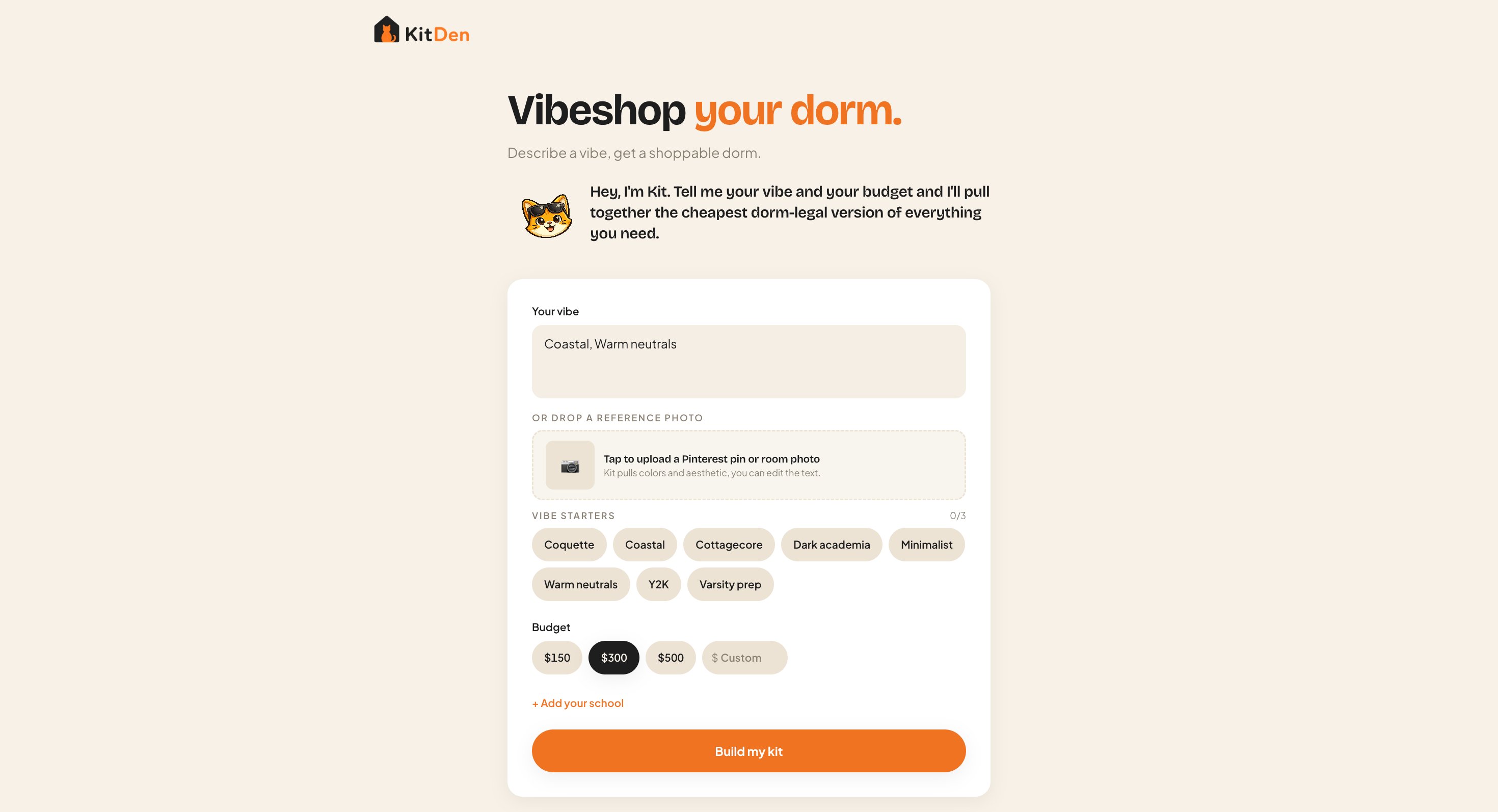
KitDen's home — describe a vibe, set a budget, and Kit builds a shoppable kit.
What you can build
Any of these is a weekend on Lovable. KitDen is the worked example below; the same six steps build the rest.Aesthetic room-kit builder
Gift finder
Capsule wardrobe stylist
Shop-this-photo
Chat concierge
Build a shopping app in 6 steps
From zero to a live, earning app. Every step is a prompt.Get set up
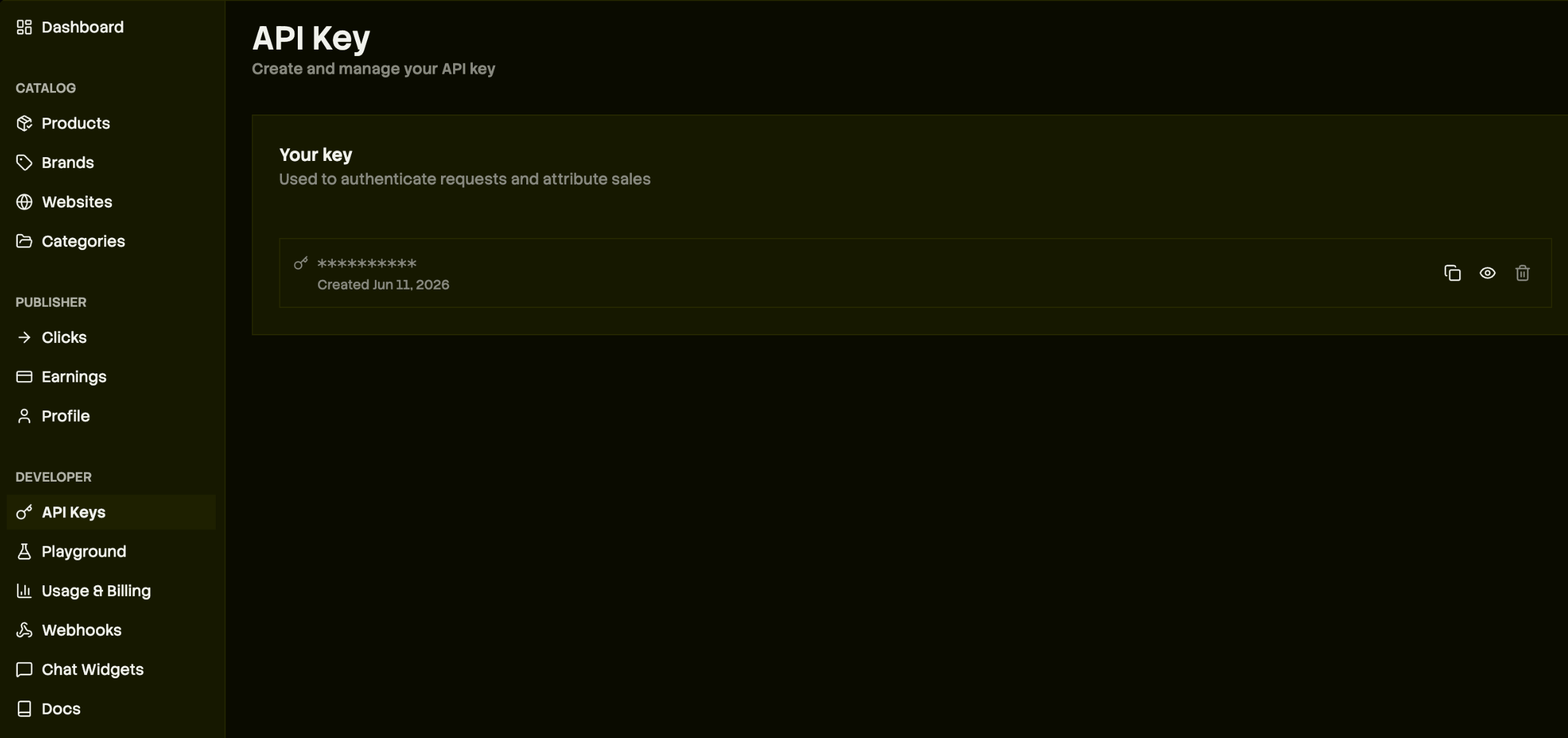
Your Channel3 API key — it authenticates requests and attributes your sales.
Scaffold the app
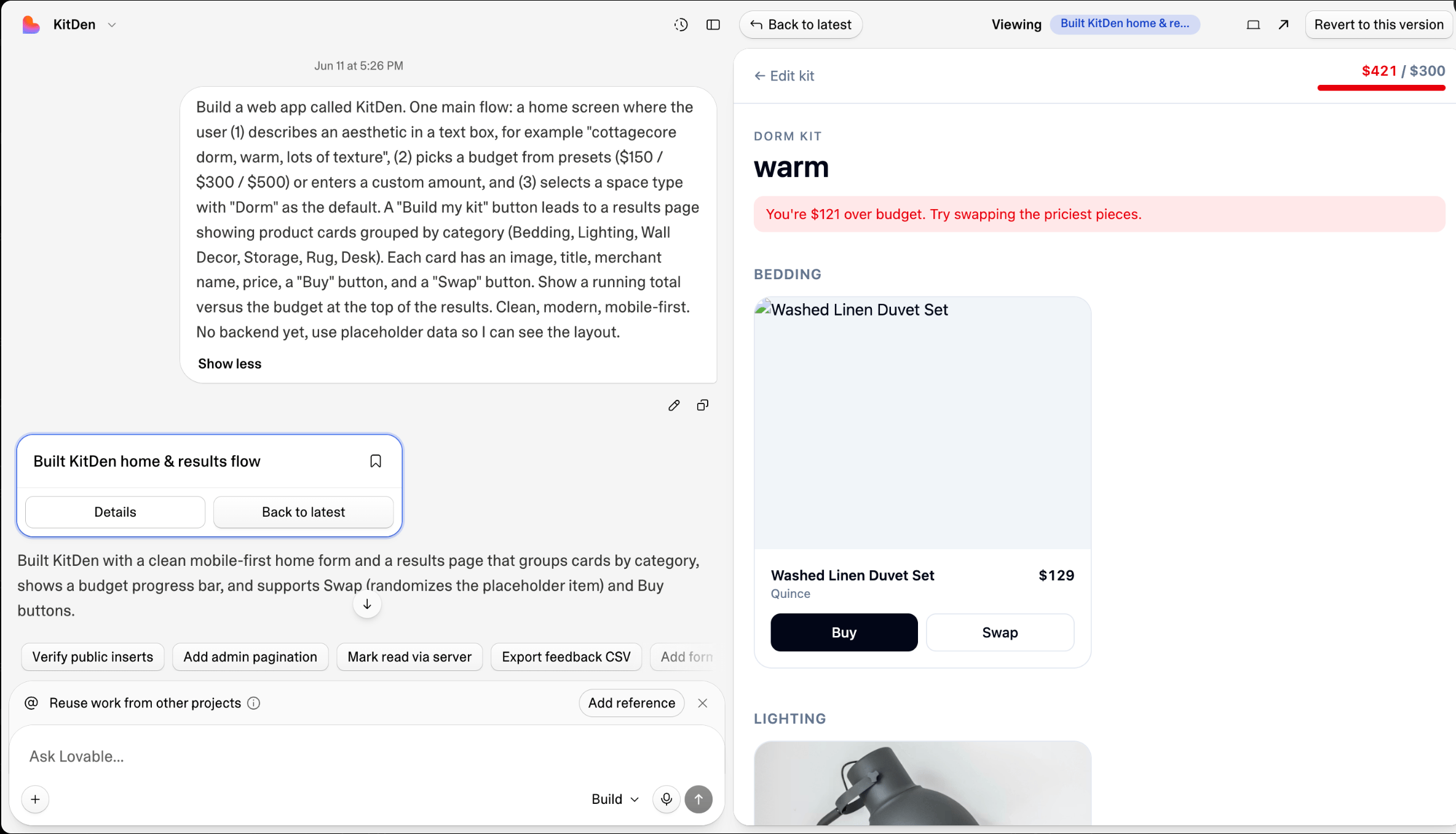
One prompt scaffolds the home and results flow.
Connect Channel3 and show real products
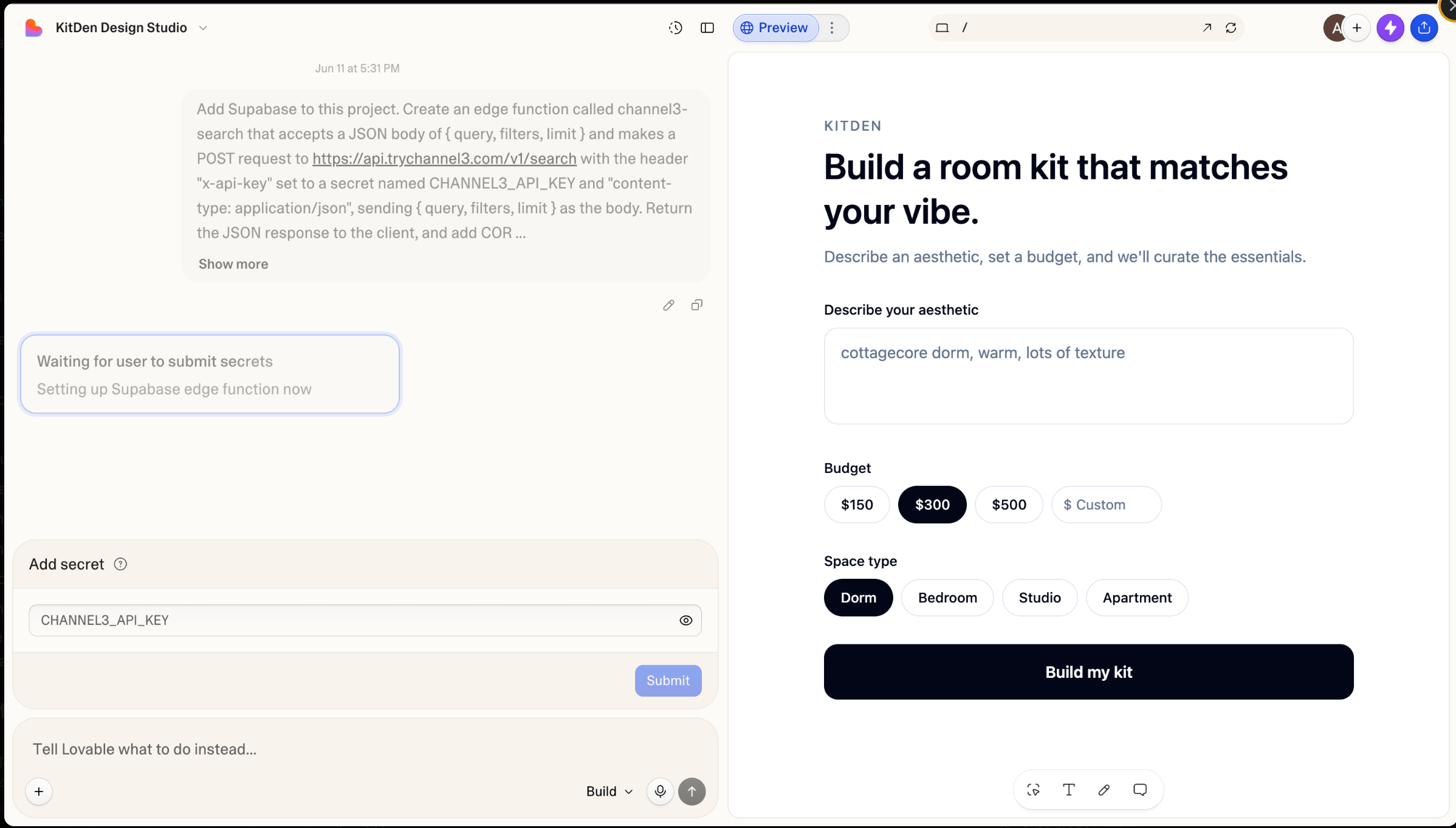
Lovable asks for the key once, in a secure dialog — paste it and submit.
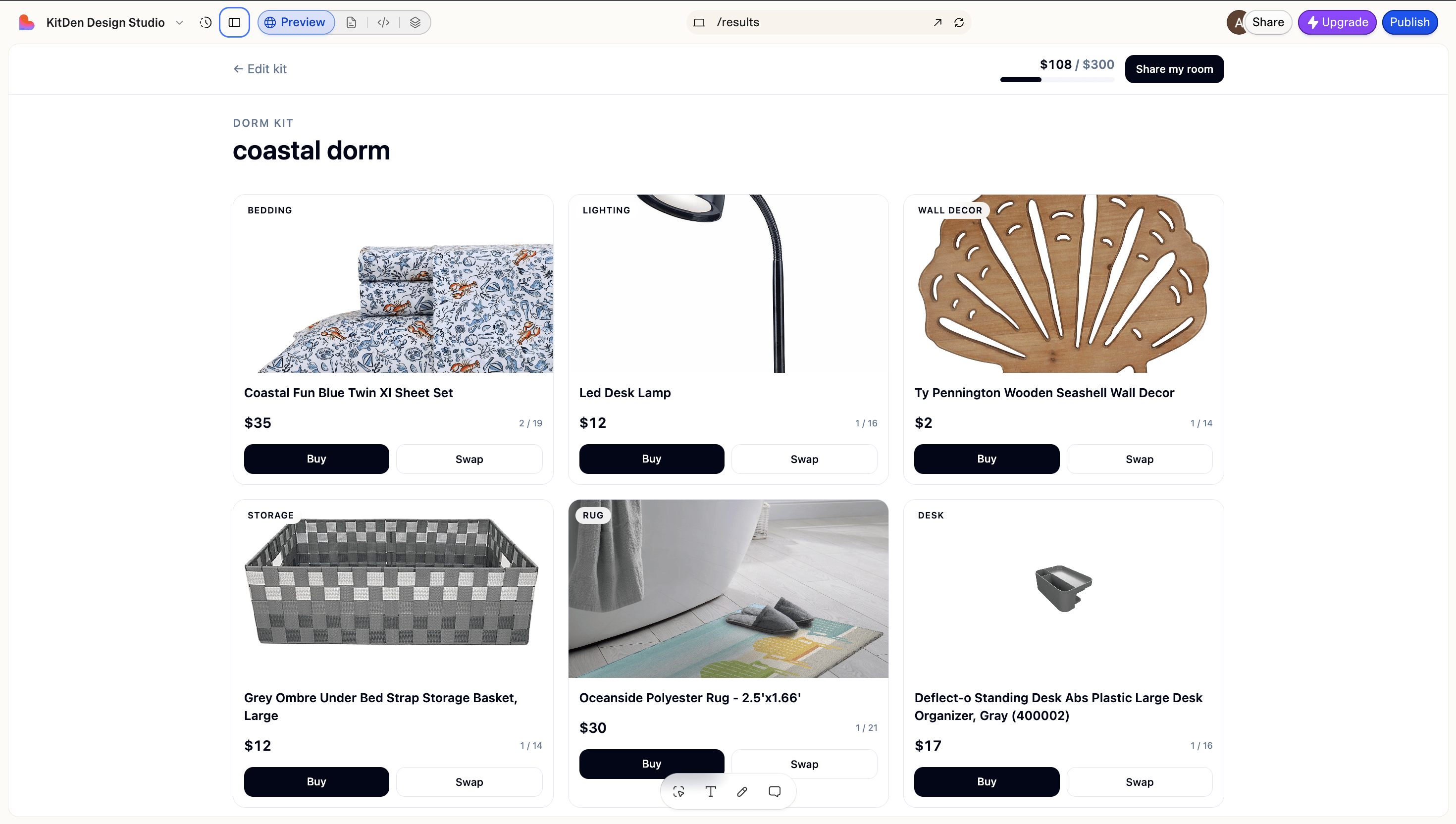
Real Channel3 products, live on the results page.
Curate with AI
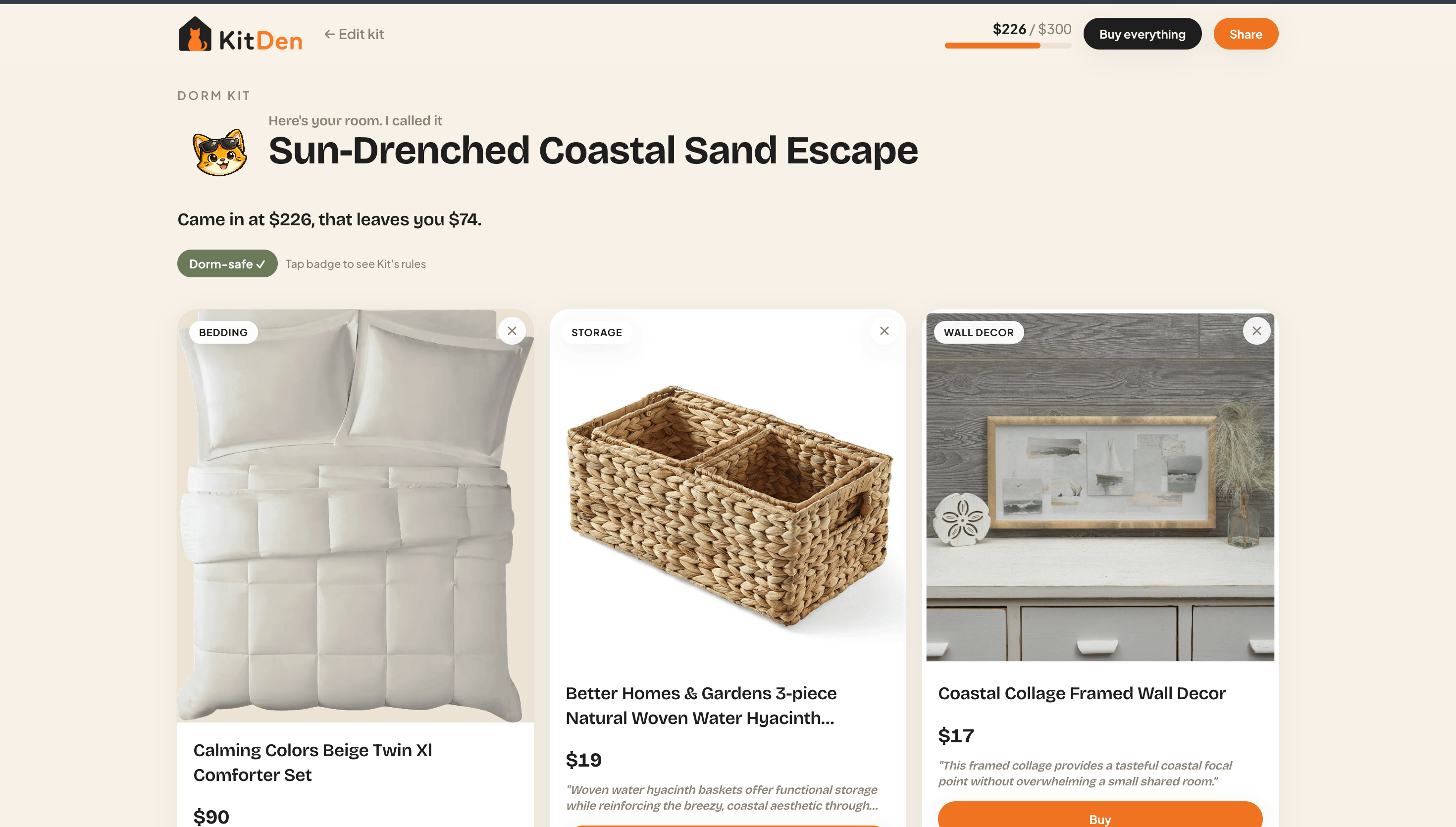
A named, budget-capped kit — chosen and explained by AI.
Add full product pages
product-details block already includes the image gallery, every offer, variants, price history, and recommendations — you just feed it the data.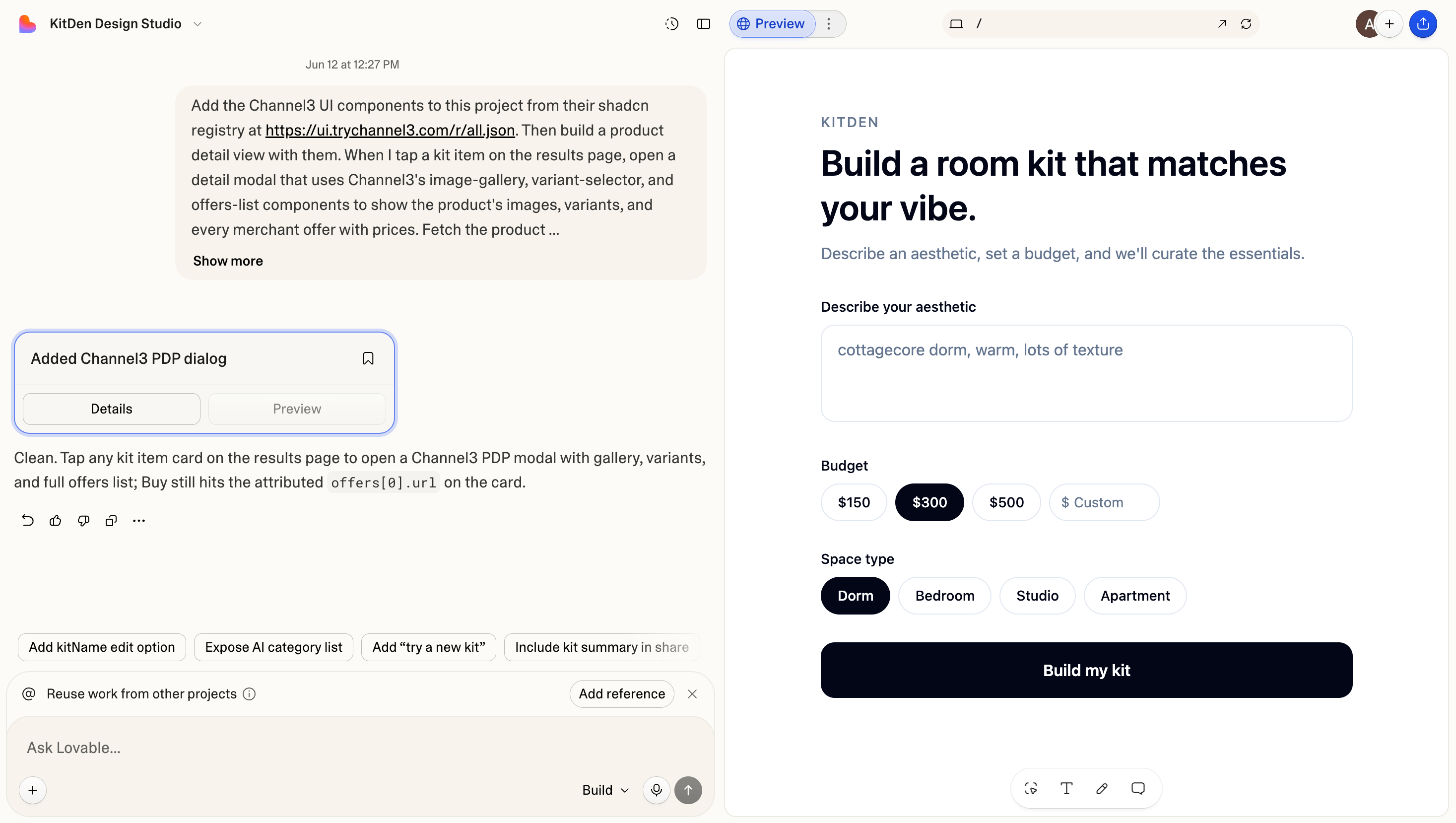
The Channel3 components install from one prompt — no terminal.
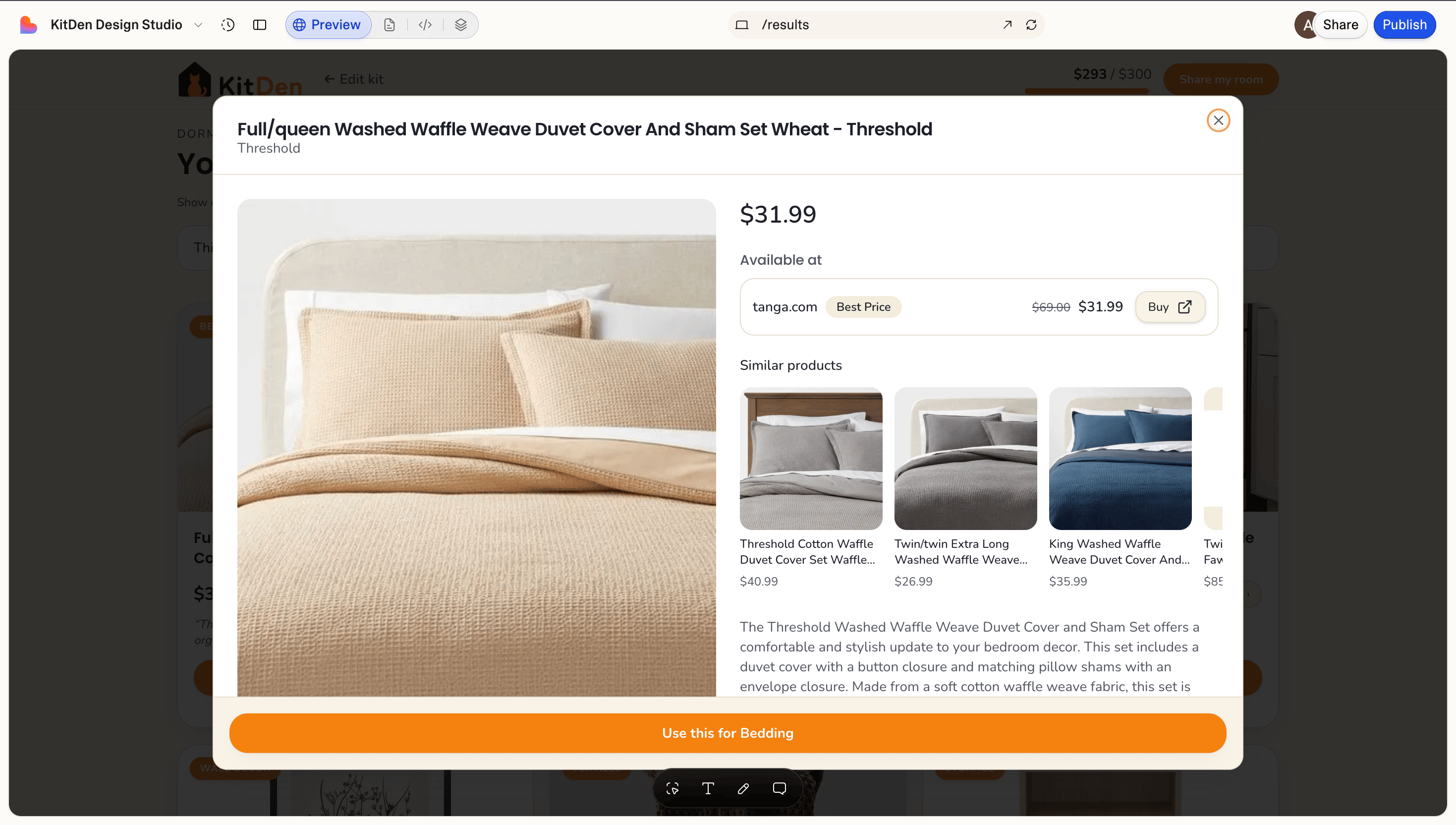
A full product page: every offer, price intelligence, similar products, and a one-tap buy.
Publish and start earning
url is an attributed link — you earn when shoppers click through to buy. Nothing to add.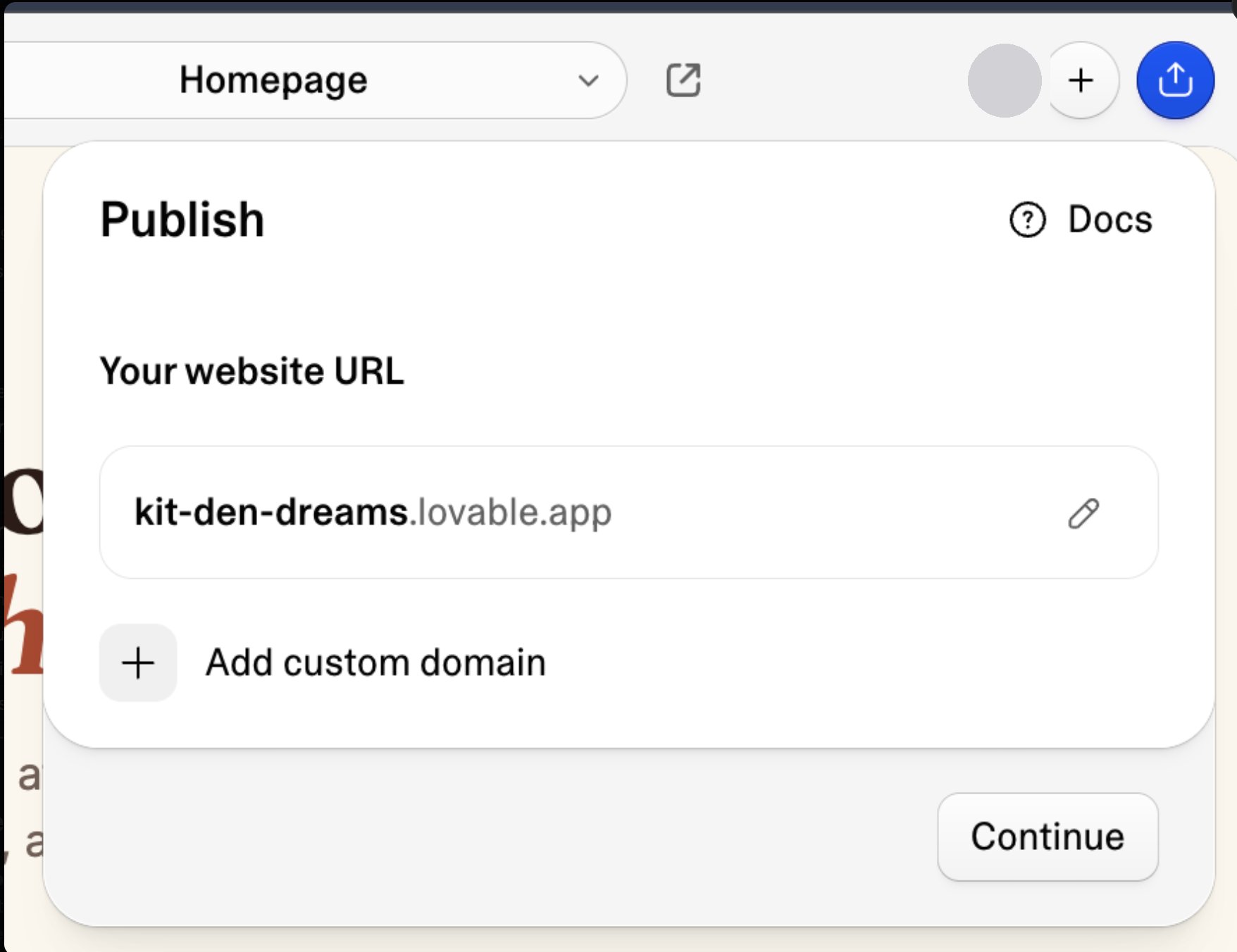
Publish gives your app a live URL in a couple of clicks.
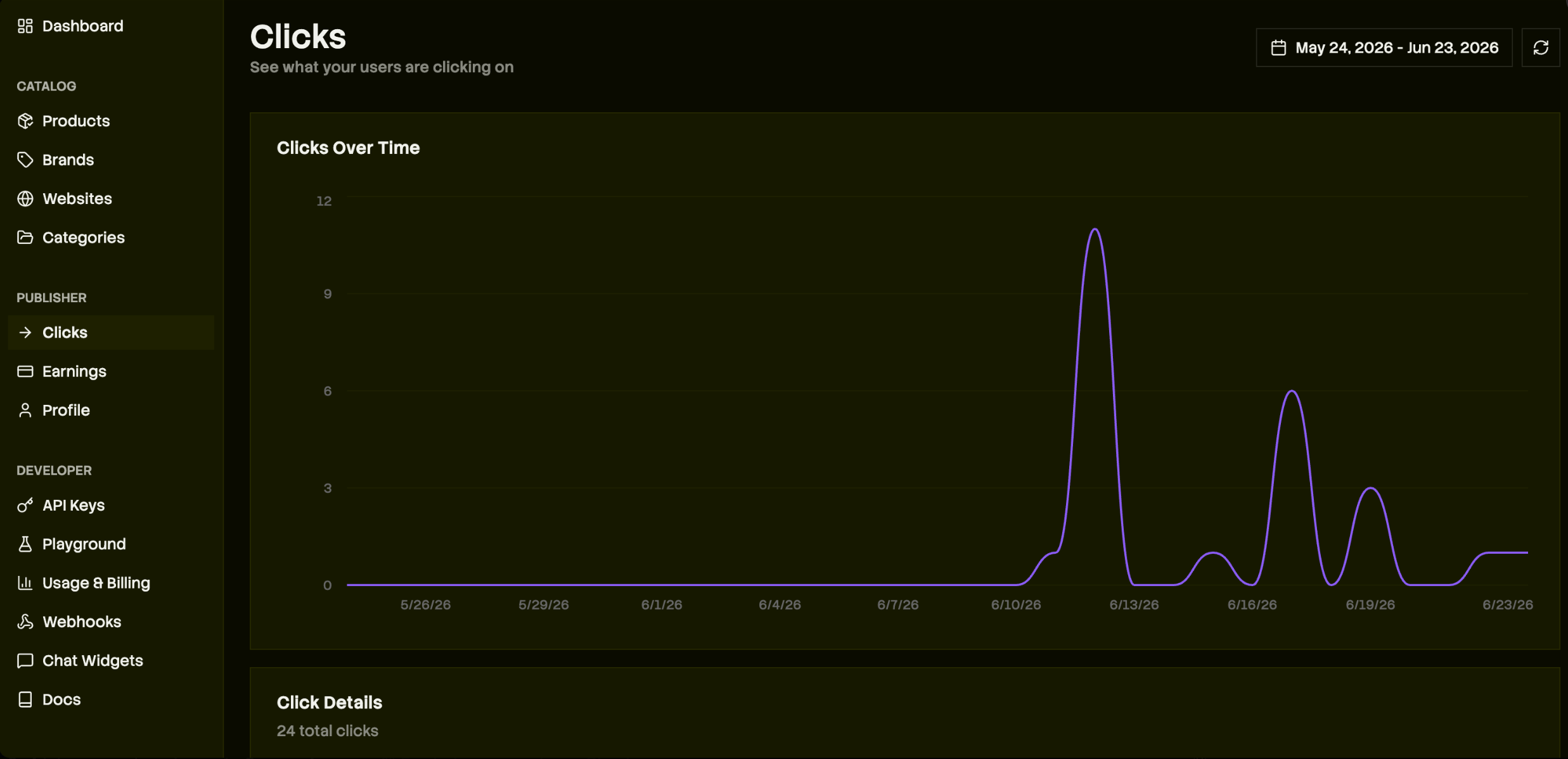
Track clicks and earnings in the Channel3 dashboard — no analytics code.
max_commission_rate > 0 is monetizable — Channel3 has relationships with thousands of brands. Earnings clear after the retailer’s return window and pay out via Stripe; complete identity verification in the dashboard so commissions aren’t withheld. See Pricing for the split.Build faster with the Channel3 API skill
Lovable is great for UI and scaffolding, but wiring Channel3 search, lookup, and filters is faster with a coding agent that knows the API. Install the Channel3 API skill in Cursor, Claude Code, or another terminal agent:Optional: add a chat concierge (zero code)
Want a shopping assistant instead of (or alongside) the builder? The hosted widget handles conversation, product matching, and checkout links — you configure a persona in the dashboard and paste one iframe.Configure the widget
https://kitden.lovable.app), and write the Agent instructions (its persona and rules, e.g. “only suggest dorm-safe items under budget”).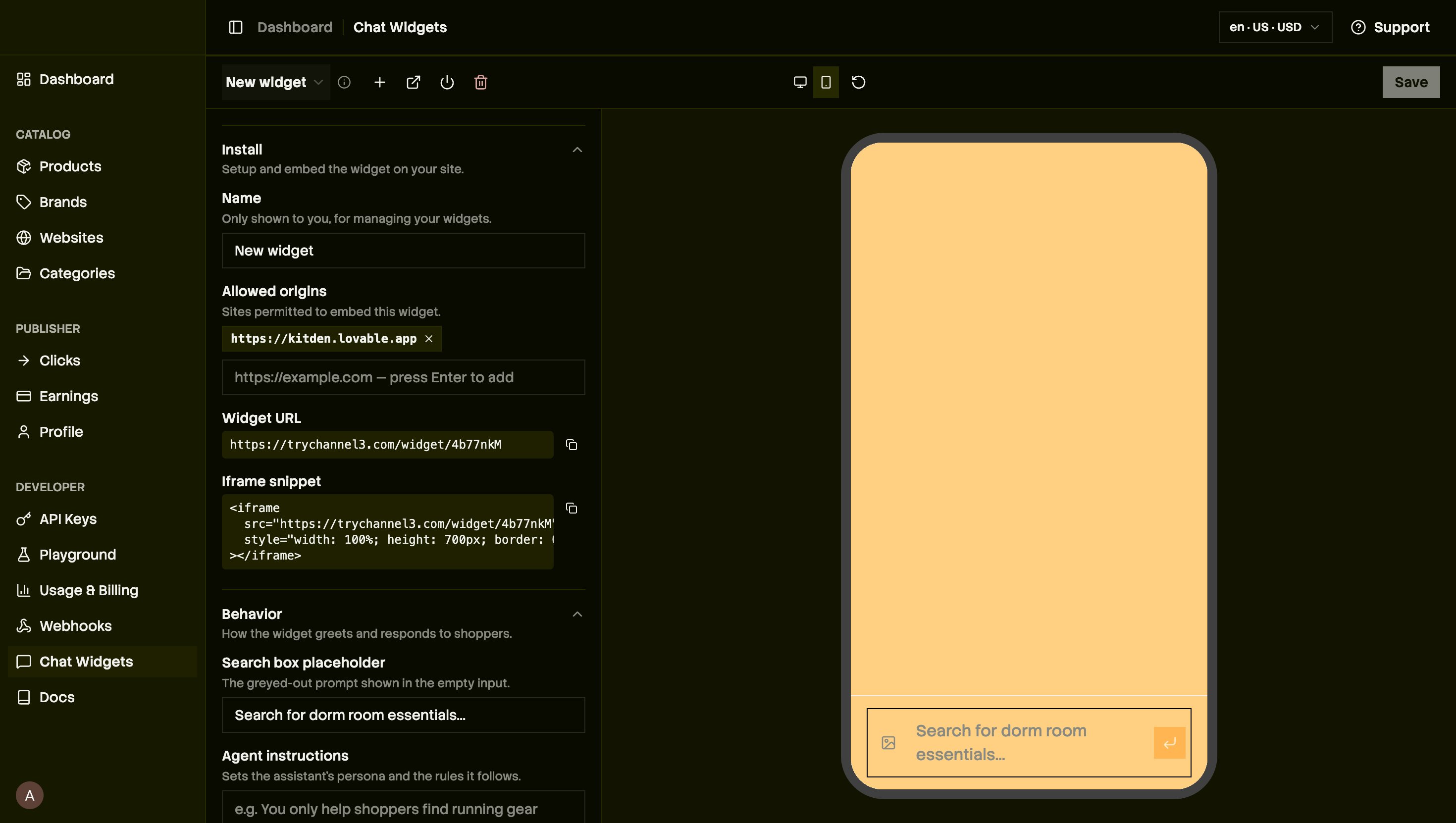
Configure the hosted widget in the Channel3 dashboard.
Paste it into Lovable
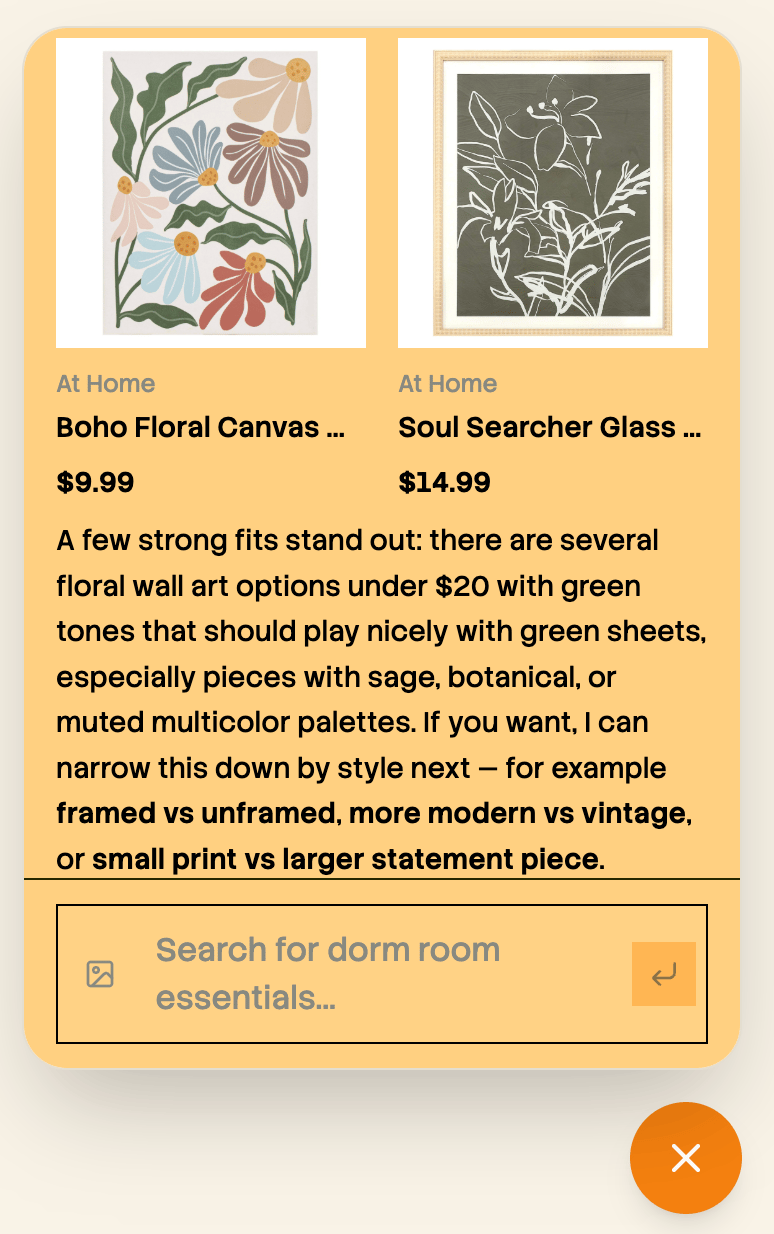
The hosted widget returns real, buyable products from a fuzzy request.