

ProductImage type — including shot_type, generated alt_text, and an is_cleaned_image flag.
Shot types
Every image is classified into ashot_type so you can curate what shoppers see. Building a scrollable grid? Prefer hero images. Want a mood-board feel? Try lifestyle. Filter out size_chart from carousels. Use on_model for fit and virtual try-on flows.
Each product can have multiple images across types. Read shot_type on any image in the images array:
TypeScript
RelevanceLevel.MAJOR (relevance score 4), with AI-analyzed, displayable images.
| Shot type | Examples | |
|---|---|---|
heroPrimary product shot — usually front-facing on a clean background. |  |  |
lifestyleStyled or environmental context — editorial settings and mood shots. |  |  |
on_modelModel wearing the product — useful for fit and virtual try-on. |  |  |
detailClose-up of fabric, stitching, hardware, or texture. |  |  |
angle_viewSide, back, or alternate viewing angles. |  |  |
flat_layProduct photographed flat from above. |  |  |
in_useProduct actively being used, worn, or opened in context. |  |  |
scale_referenceSize context — dimensions annotated or shown next to reference objects. |  |  |
packagingProduct in retail box, bag, or packaging. |  |  |
size_chartSizing tables or measurement diagrams. |  |  |
product_informationSpecs, features, or infographics about the product. |  |  |
merchant_informationRetailer marketing — banners, warranties, and store messaging (not the product itself). |  |  |
Cleaned images
Cleaned images have:- Square aspect ratio
- Uniform background
- Centered product
is_cleaned_image: true on the ProductImage type.
Take nordstrom.com on our dashboard. Before cleaned images, the product grid is good, but bad aspect ratios stick out and on-model shots break up the layout.
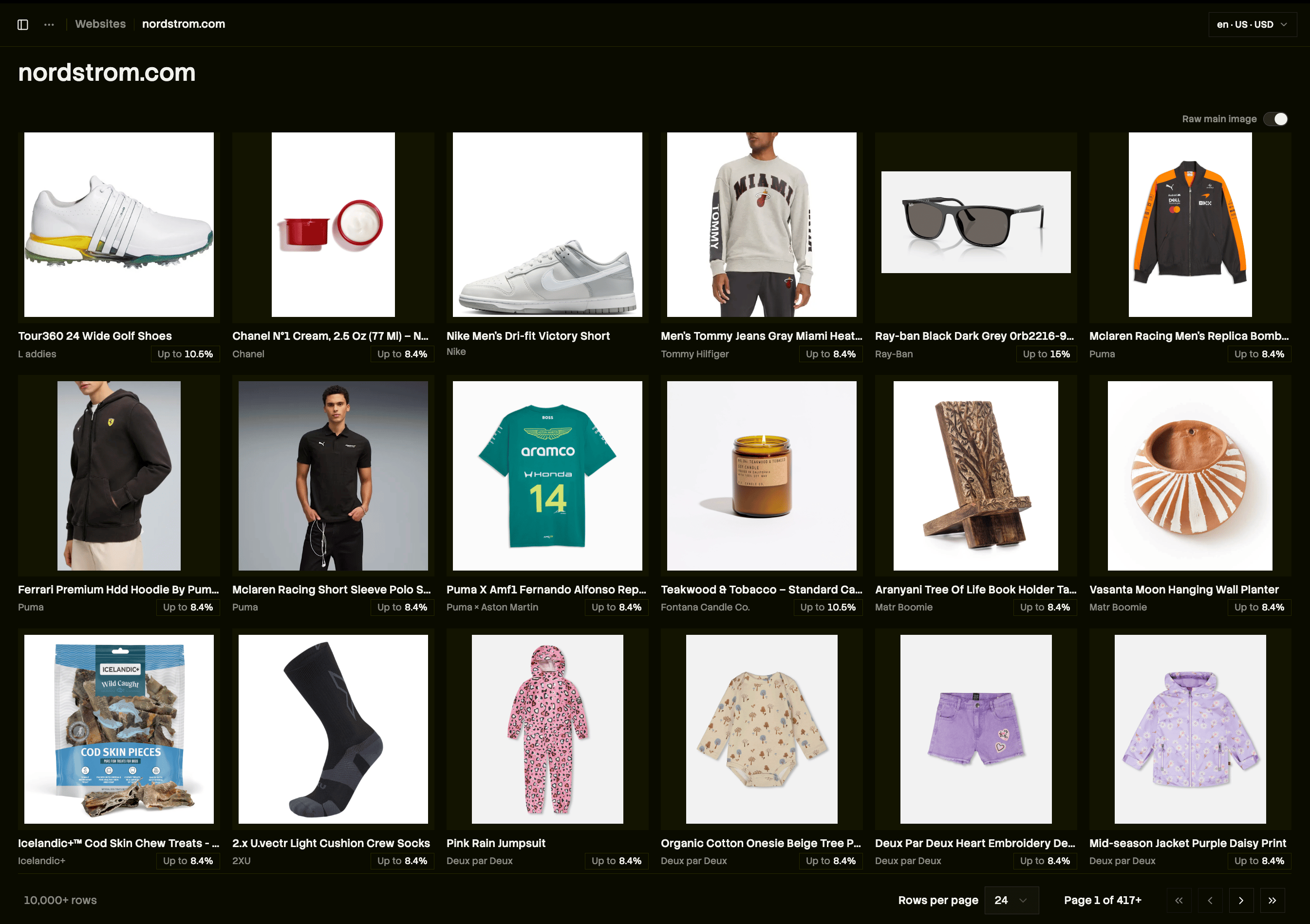
Before: inconsistent aspect ratios and on-model shots break up the grid.
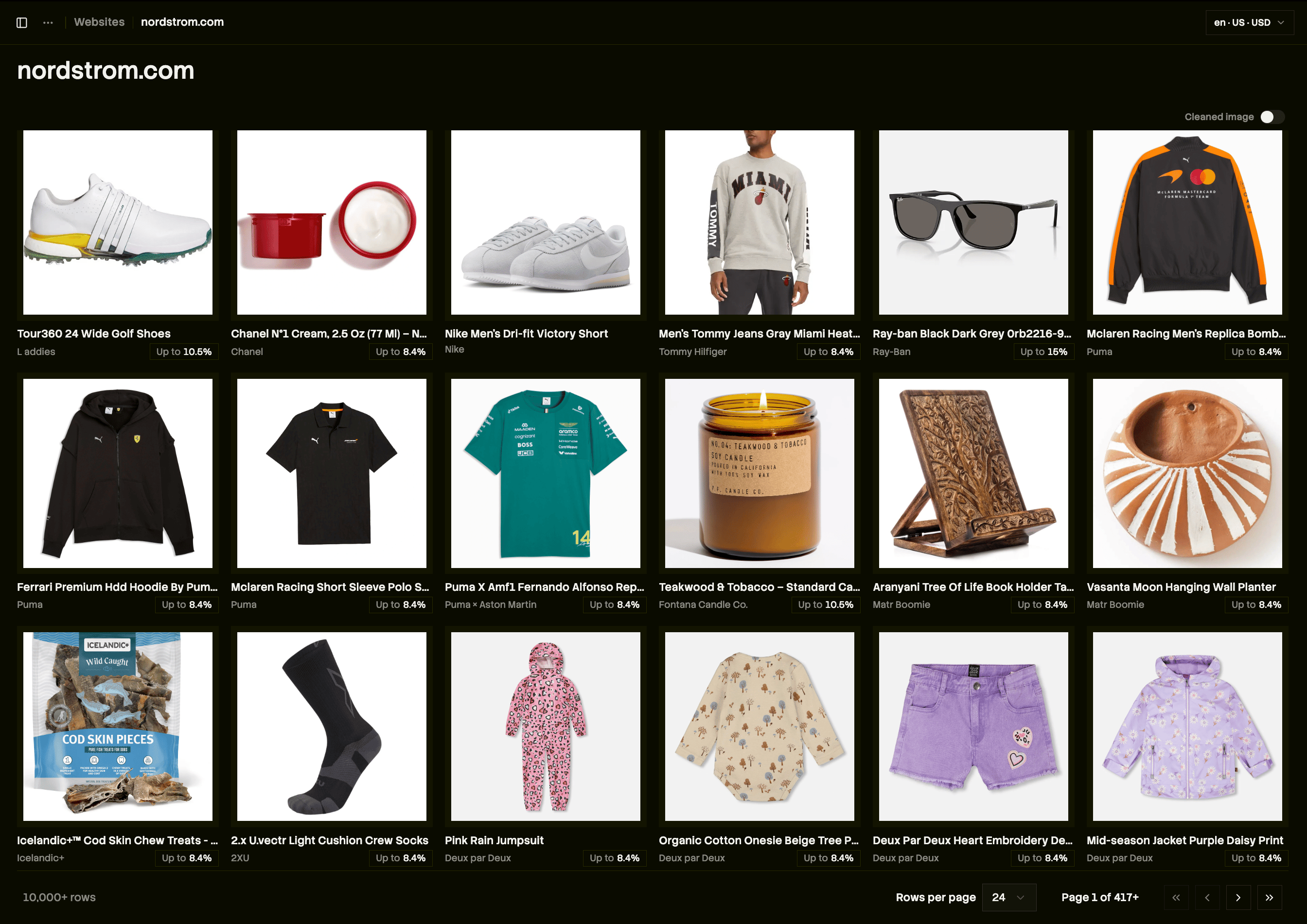
After: every tile is a square, monochromatic lay-flat shot.
Prefer cleaned images in grids
When displaying search or similar-product results, pick the cleaned image when one is available:TypeScript
images — search, lookup, and product detail all expose the same ProductImage model.